 InkForge
What defines realism
Realism is less about a particular subject and more about a goal: making ink on skin read like a photograph. Instead of outlining shapes and filling them, a realism artist builds the image from values — the full range from deep black to bare skin — so that form, texture and light come from shading alone. Done well, a lion’s fur looks soft, an eye looks wet, and metal on a compass looks cold.
The style splits into two main branches:
- Black and grey realism uses black ink diluted to different strengths. It is the most common choice for portraits, statues, religious imagery and animals.
- Color realism uses full palettes and color blending, popular for flowers, wildlife and nature scenes.
A short history
Tattooing has always borrowed from the art of its time, but photorealistic work as a dedicated specialty developed over the late twentieth century. It built on the soft black-and-grey shading that grew out of Los Angeles tattooing in the 1970s and on steady improvements in machines, needles and inks, which made smoother gradients possible. Since then it has become one of the most technically respected styles in tattooing, often featured at conventions and competitions.
Visual characteristics
- No hard outlines. Edges are defined by contrast between light and dark areas, not by a black line.
- Smooth gradients that model volume, like the curve of a cheek or the folds of a rosary bead.
- Highlights that are left as bare skin or added with white ink for sparkle in the eyes, chrome or water.
- Depth of field. Many pieces fade the background softly so the main subject pops forward.
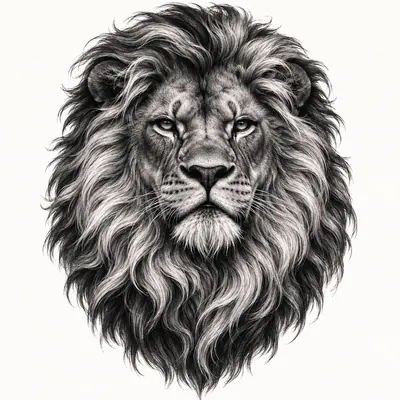
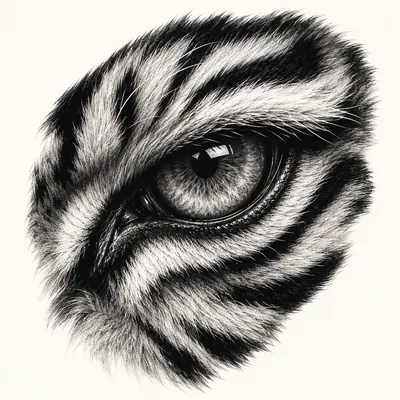
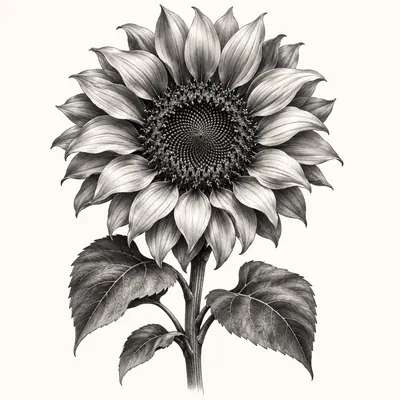
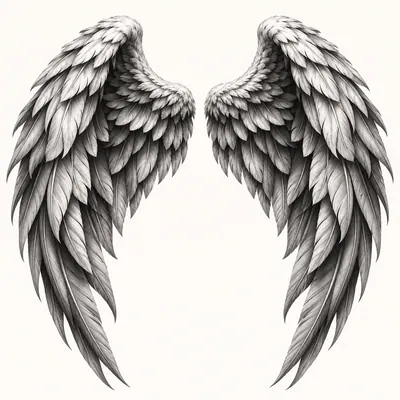
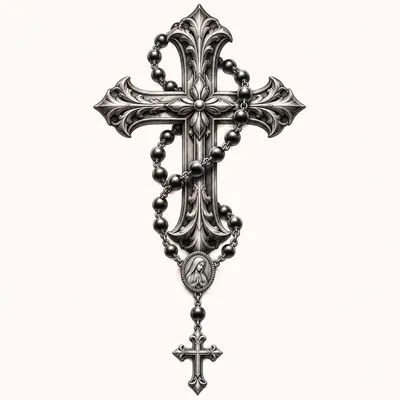
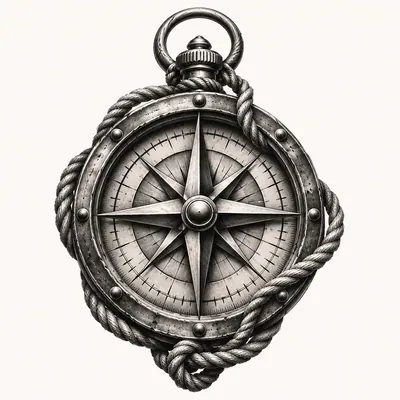
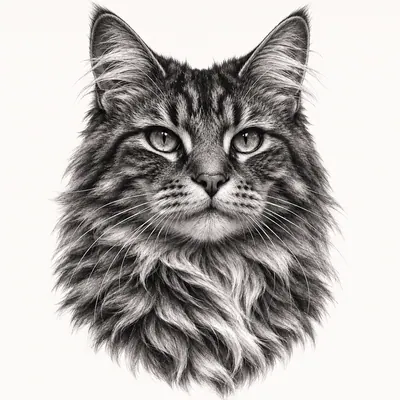
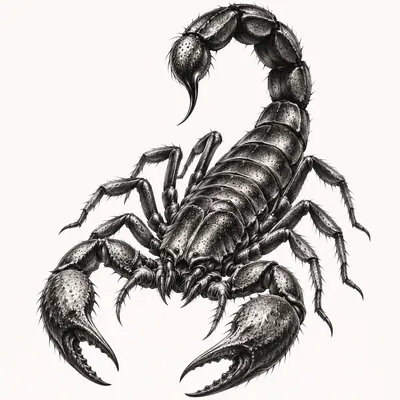
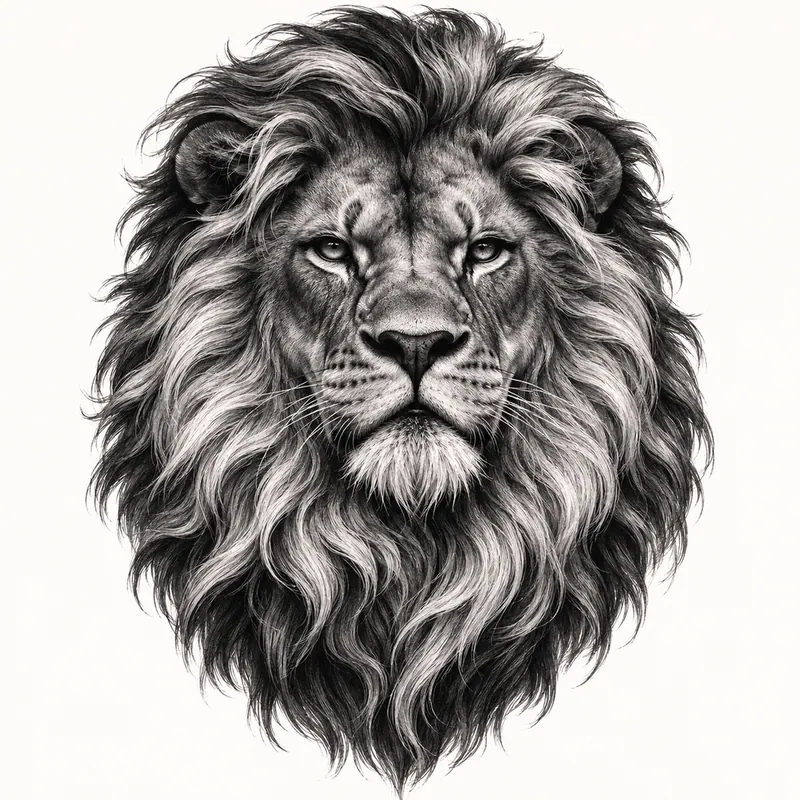
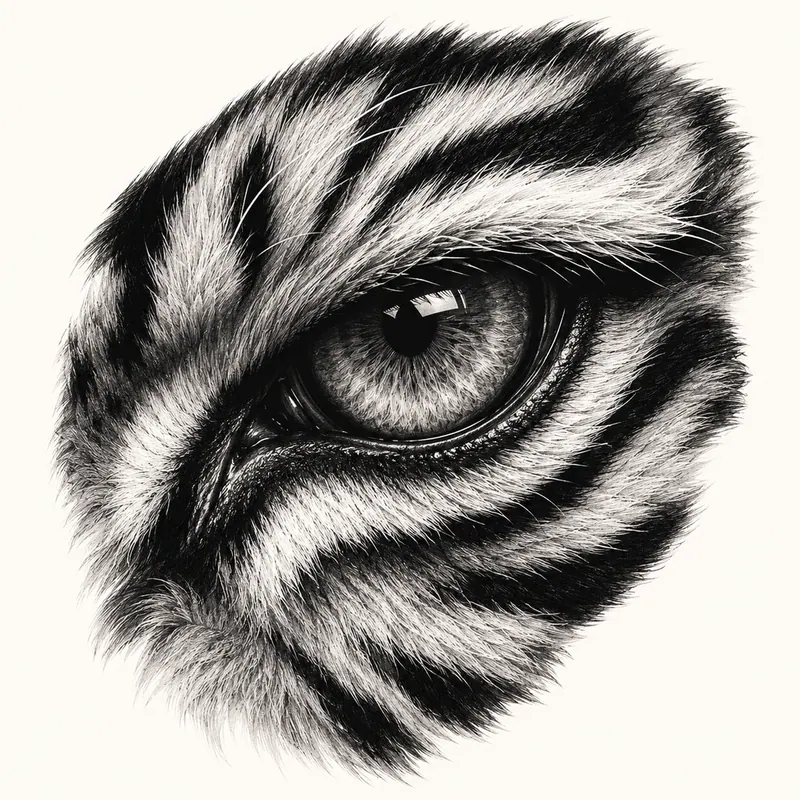
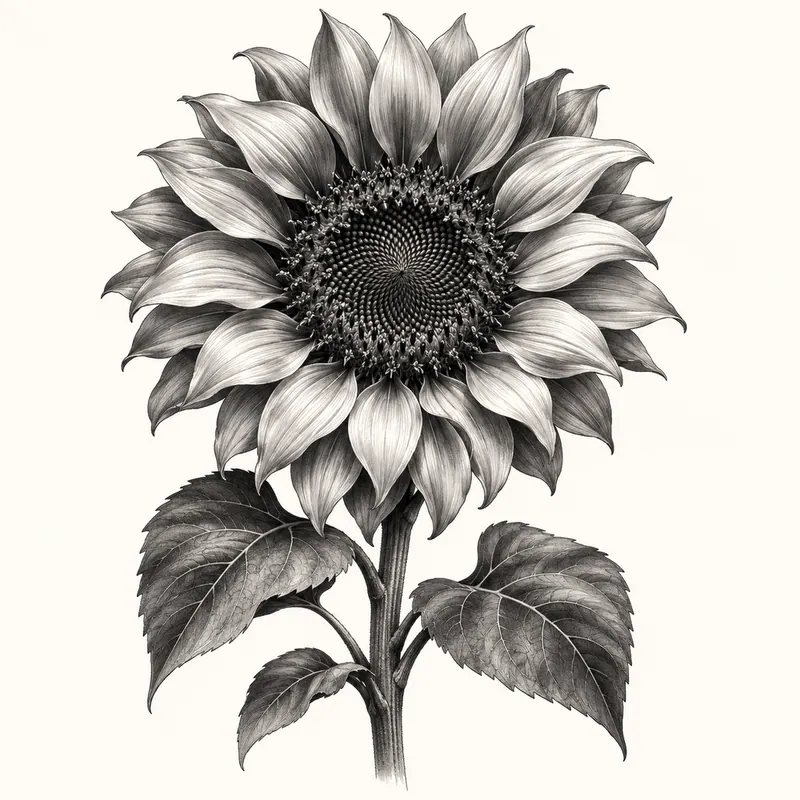
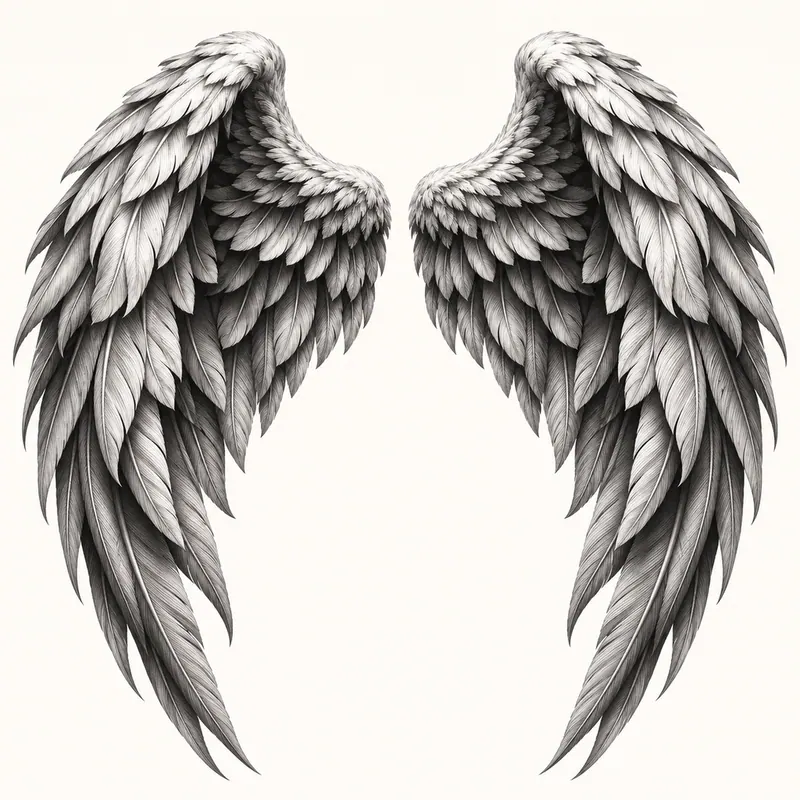
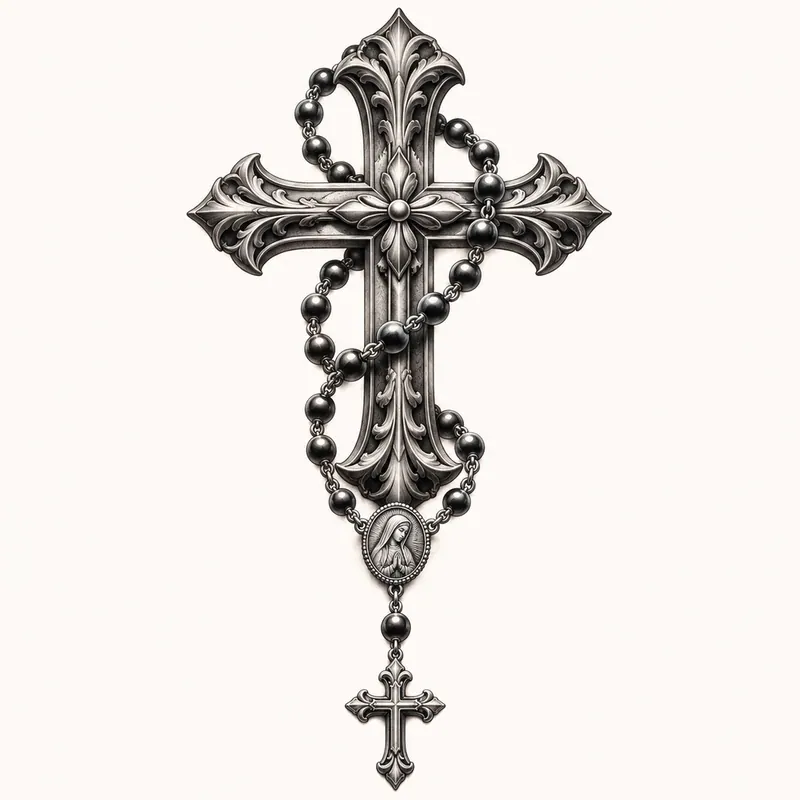
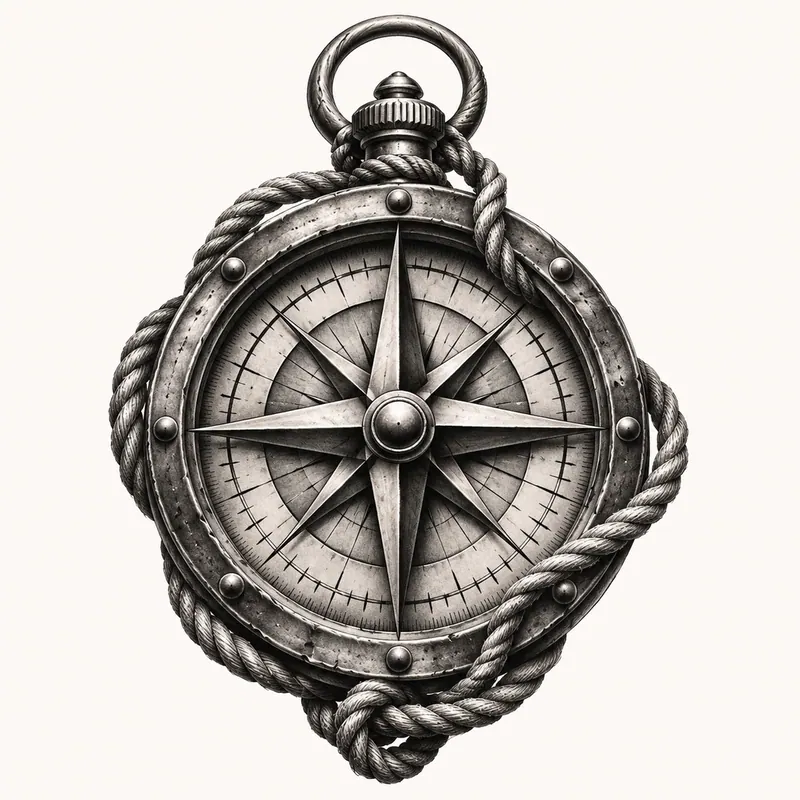
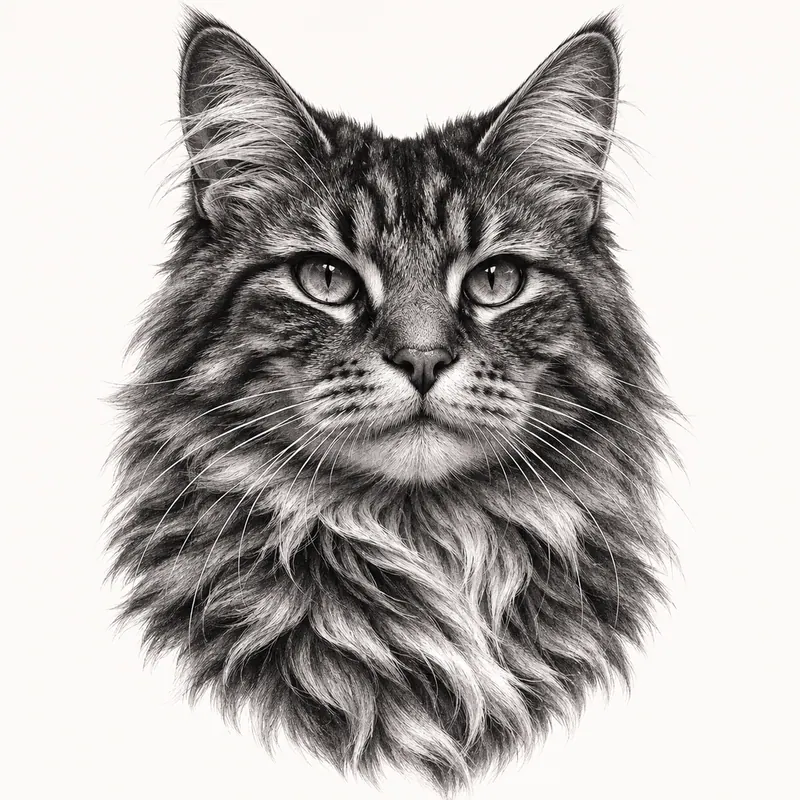
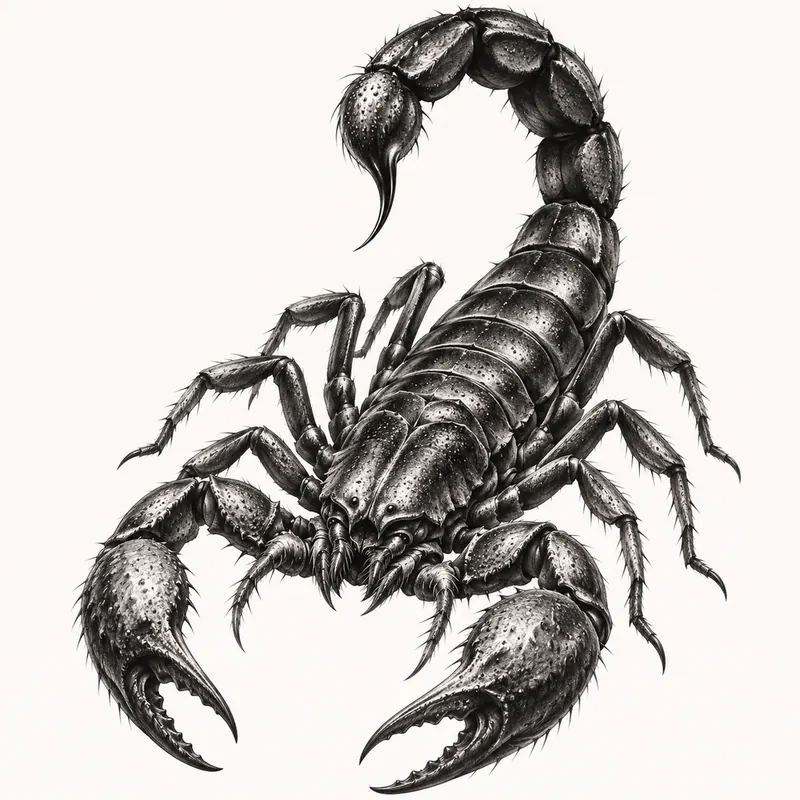
In the gallery above you can see this in a lion portrait with a full mane and a close-up tiger eye on the forearm, a cat portrait, a nautical compass and a cross with rosary beads, as well as a sunflower in full bloom on the shoulder, angel wings across the back and a detailed scorpion on the calf.
How realism tattoos age
All tattoos soften over time, and realism shows it in a specific way: the subtle mid-tones gradually blend together, so a portrait with weak contrast can turn muddy. Good realism artists plan for this from the start:
- Contrast first. Strong darks next to clean highlights keep the image readable even after decades.
- Size for detail. Features like eyes, whiskers and text on a compass need space so they don’t merge.
- Sun protection. UV light fades soft greys and light colors fastest, so sunscreen on healed realism work matters.
Best subjects and placements for realism
Realism shines with subjects that have texture and emotion: animal portraits (lions, tigers, cats and other pets), human portraits, flowers, feathers and wings, and objects with interesting surfaces like a compass or pocket watch.
It needs room. Good canvases are the outer forearm for single portraits, the upper arm and shoulder for medium pieces, and the thigh, calf and back for large compositions. Fingers, wrists and other very small or high-friction areas rarely suit realism, because there isn’t enough space for the tonal range.
Realism vs. neighboring styles
- Realism vs. illustrative. Illustrative tattoos keep visible linework and a drawn feel; realism hides the lines entirely.
- Realism vs. Chicano. Chicano black and grey shares the soft shading but has its own cultural roots and visual language — script, religious imagery, roses and clocks — rather than pure photographic accuracy.
- Realism vs. surreal. Surreal pieces often use realistic rendering, but for impossible, dreamlike scenes rather than true-to-life ones.
Choosing a realism artist
Realism is one of the least forgiving styles, so be picky:
- Look for healed photos, ideally a year or more old, not only fresh work under perfect lighting.
- Check that the artist specializes in your branch — black and grey and color realism are different skill sets.
- Bring a high-resolution reference photo with good lighting. Blurry phone shots give the artist little to work from.
- Ask how many sessions they expect and how they plan the contrast for aging.
Realism lives or dies on the reference. With InkForge you can generate concepts in the Realism style, or use Photo to Tattoo to turn a picture of a pet, person or object into tattoo-style artwork. Then use Try-On to place it on a photo of your arm or leg and adjust the size, so you can see how much space the detail really needs before you sit down with your artist.