 InkForge
Tattoo try-on
Try it on before it's permanent
Take a photo of your arm, back or leg and place your design on it. Scale it, turn it, fade it into the skin, and decide on size and position while it's still free to change.


to get InkForge
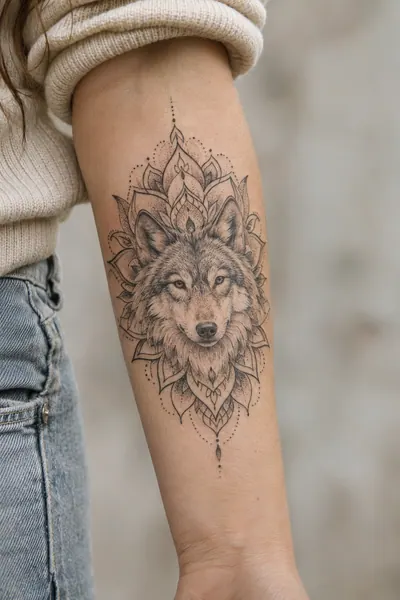
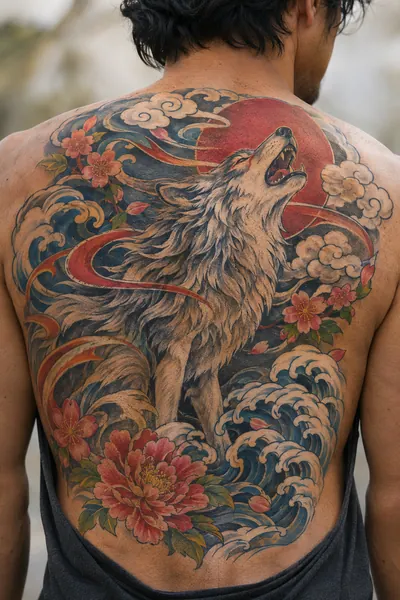
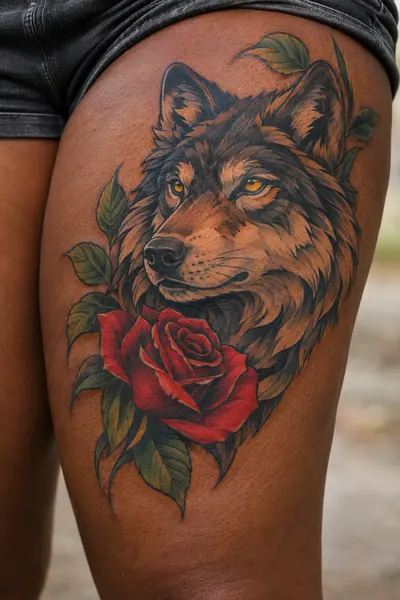
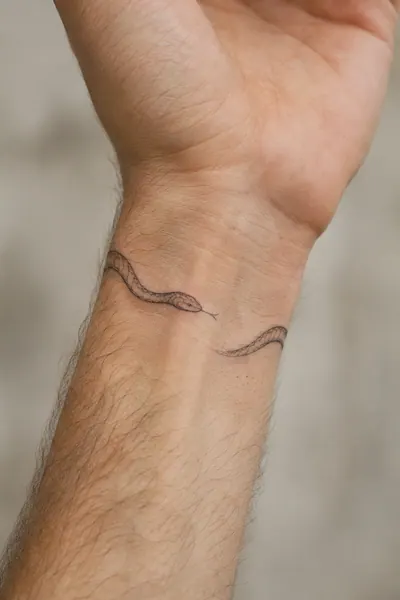
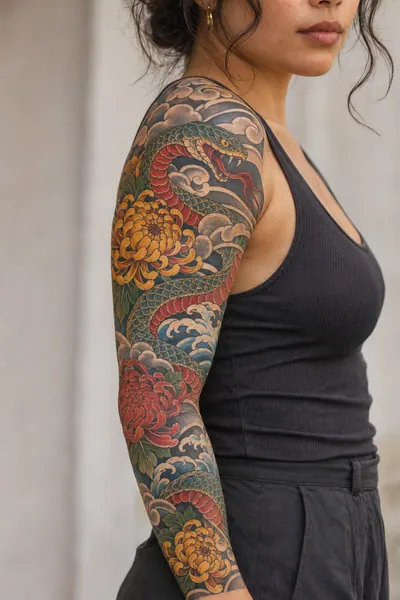
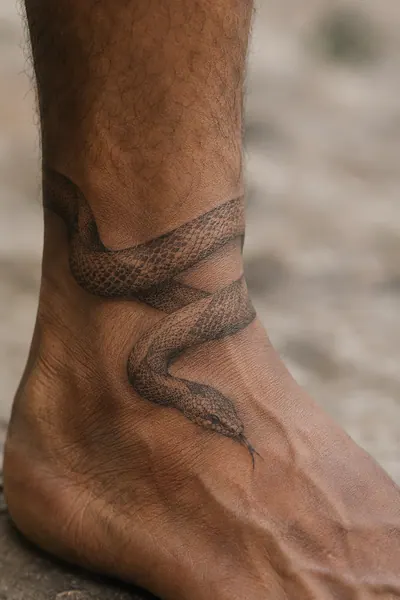
it on
Why try a tattoo on first
- 01
Get the size right
Size is the classic regret. See whether the details need more room, or whether the piece should be smaller and quieter.
- 02
Find the spot
Compare inner and outer forearm, shoulder or calf in a few minutes and see where the design sits best on you.
- 03
Walk in with a plan
Show your artist the design and where it goes. A reference with placement already decided saves time on the day.
Tattoo ideas on the body
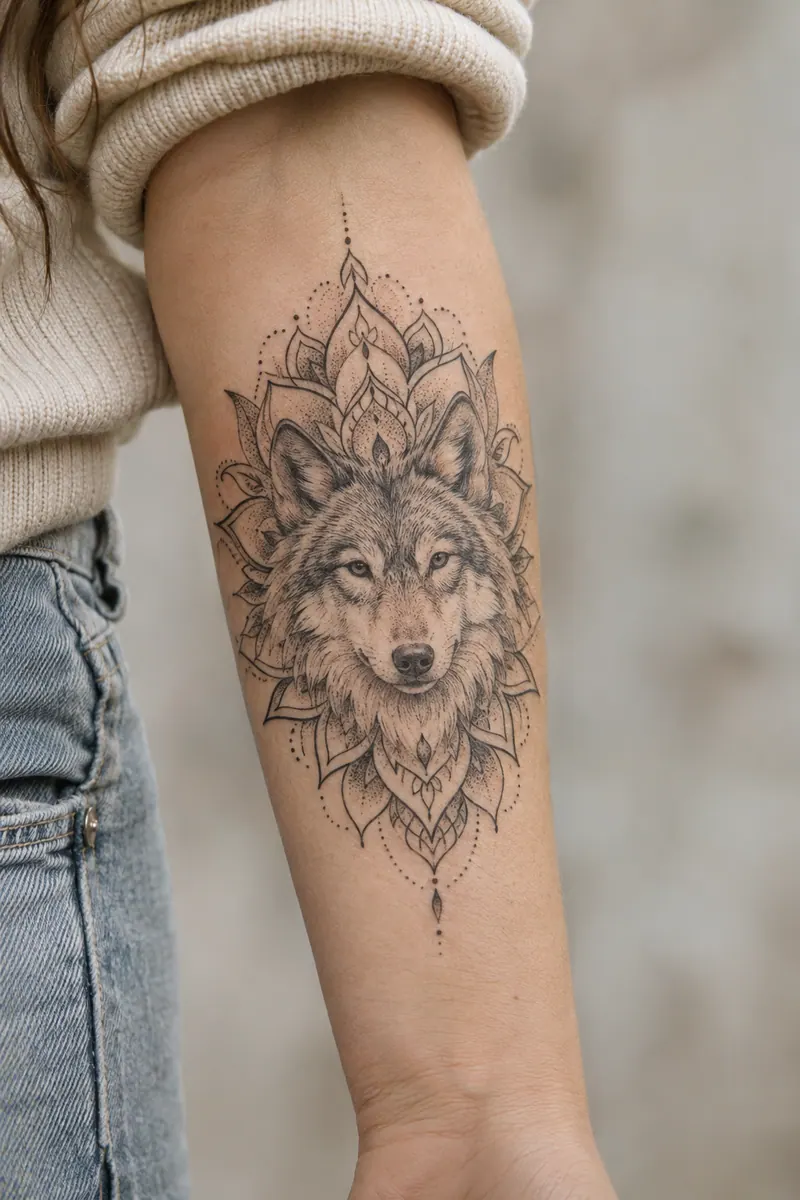
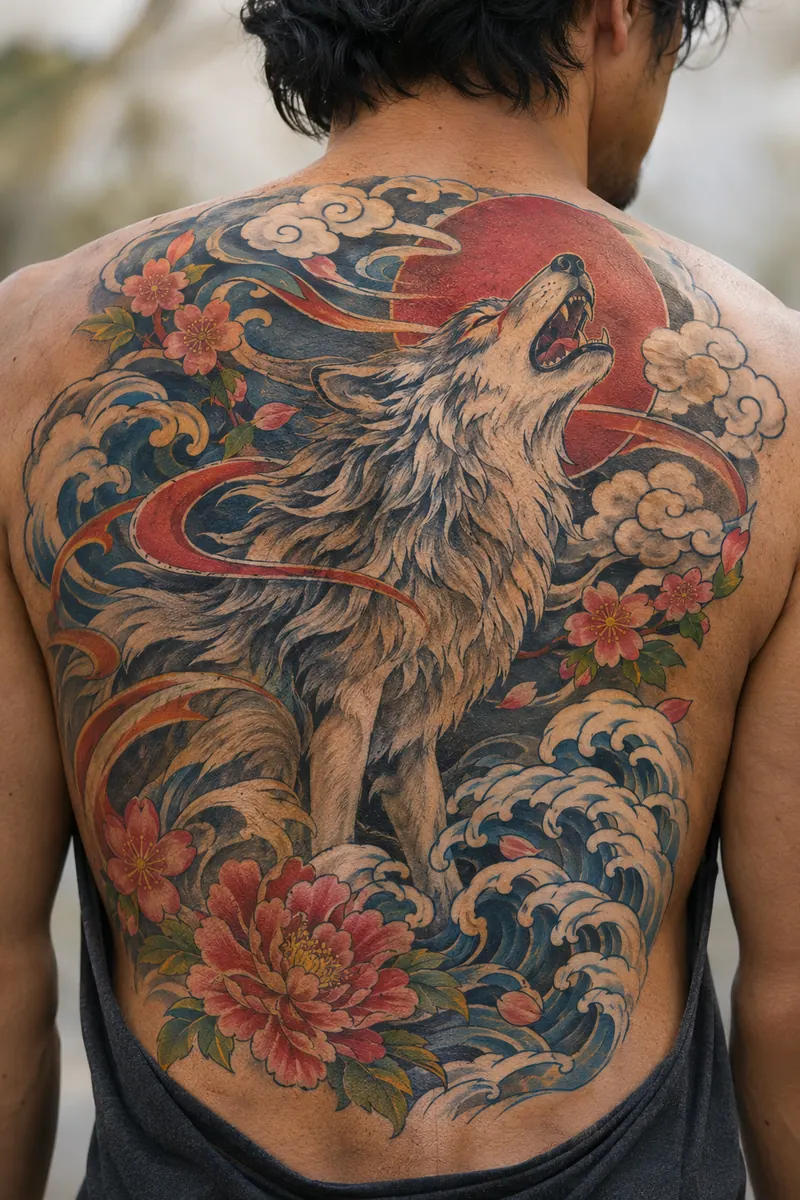
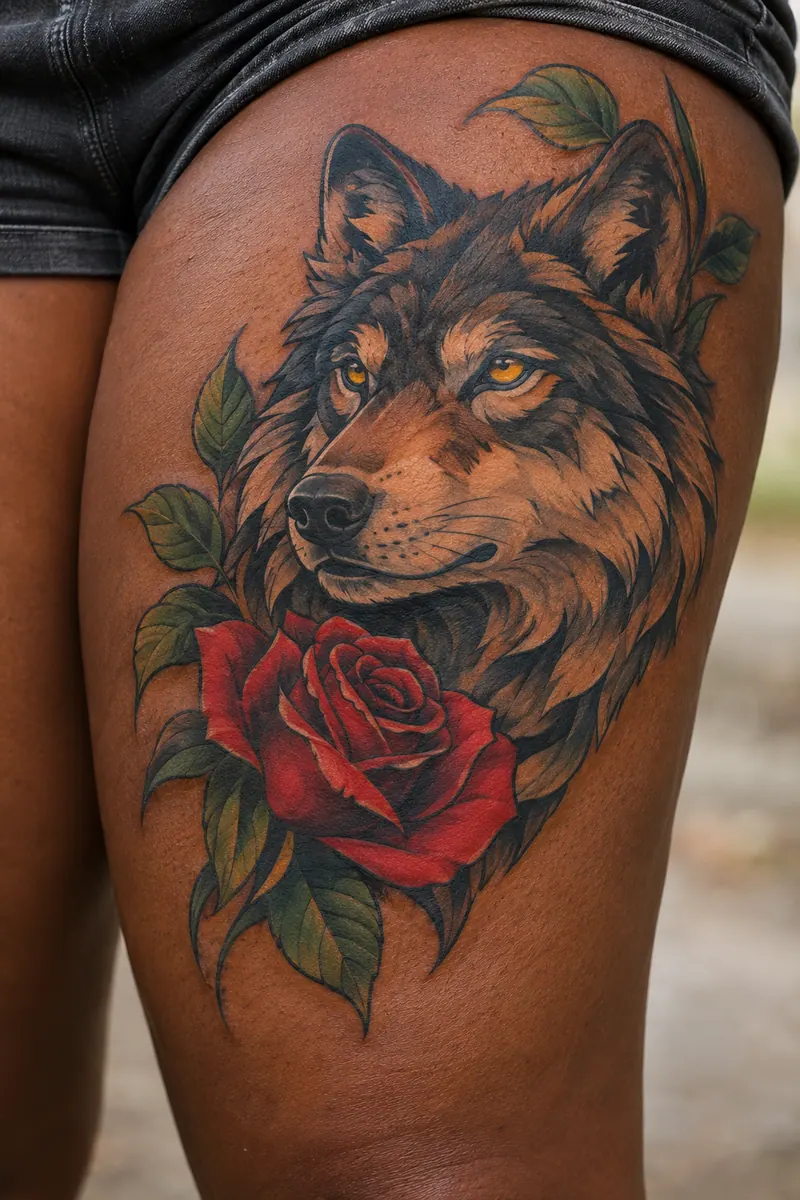
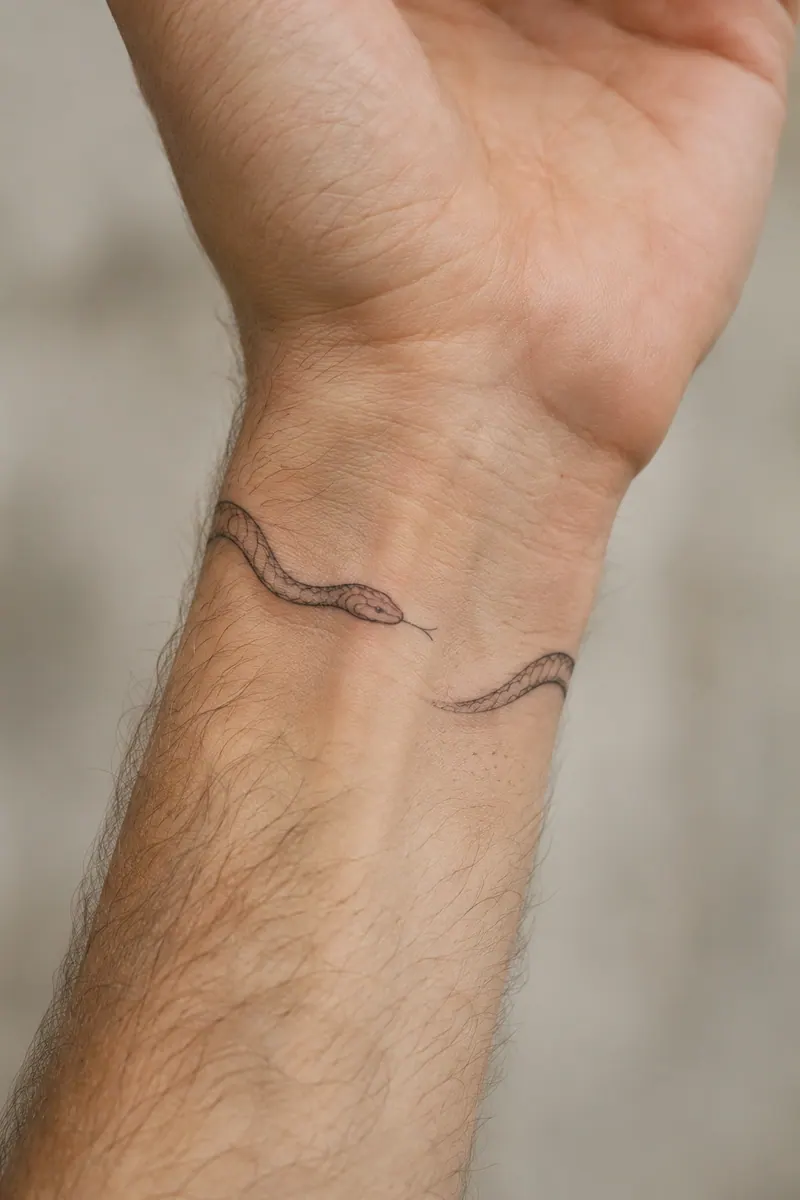
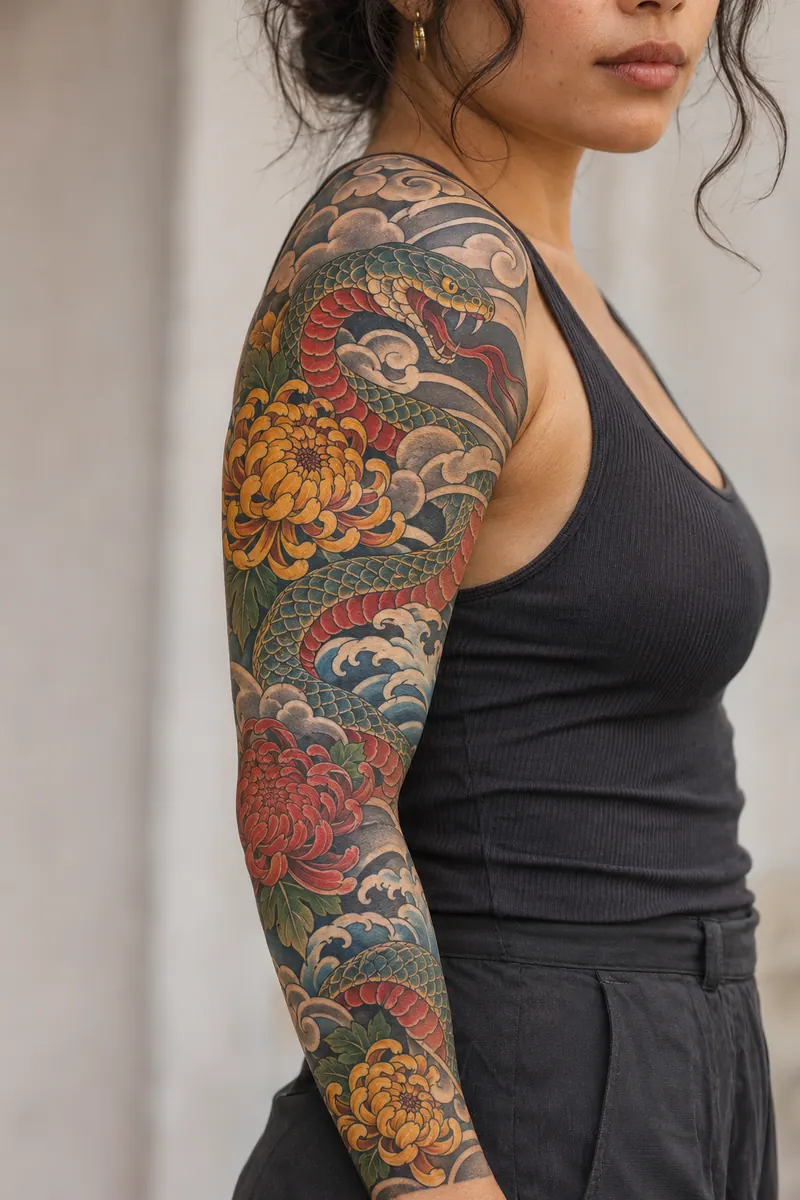
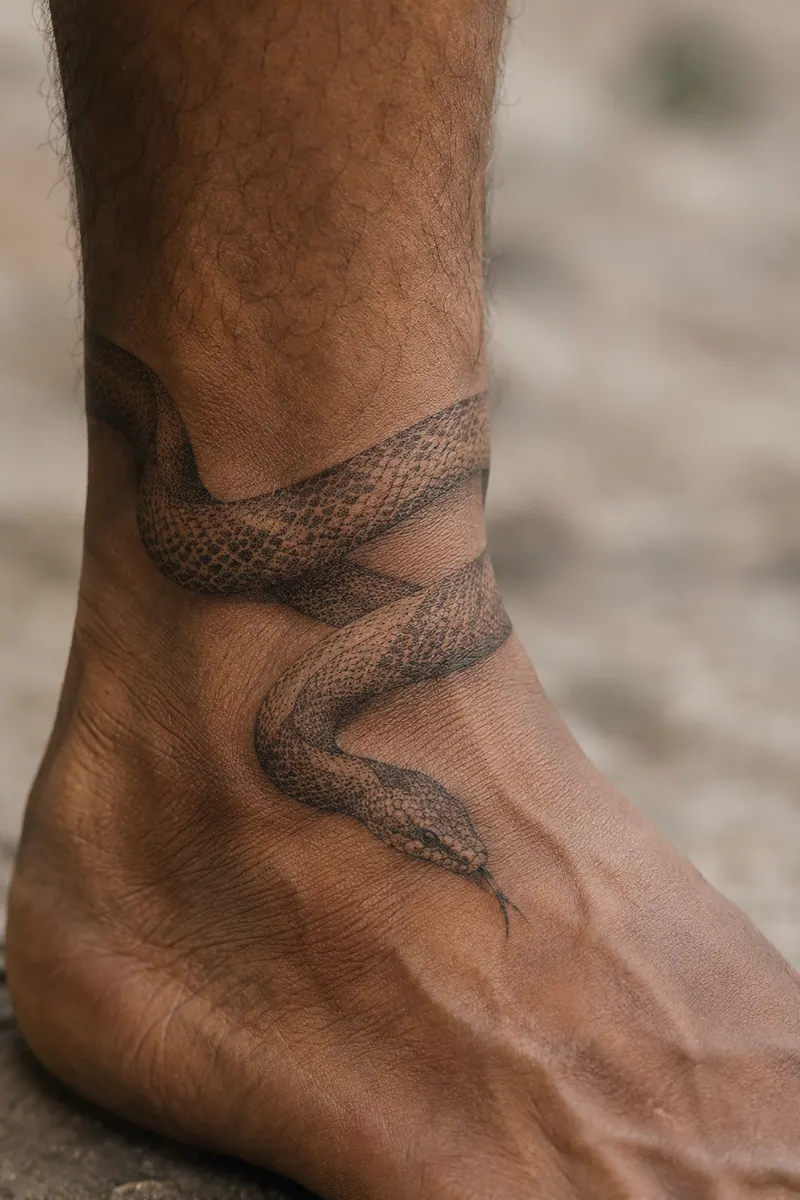
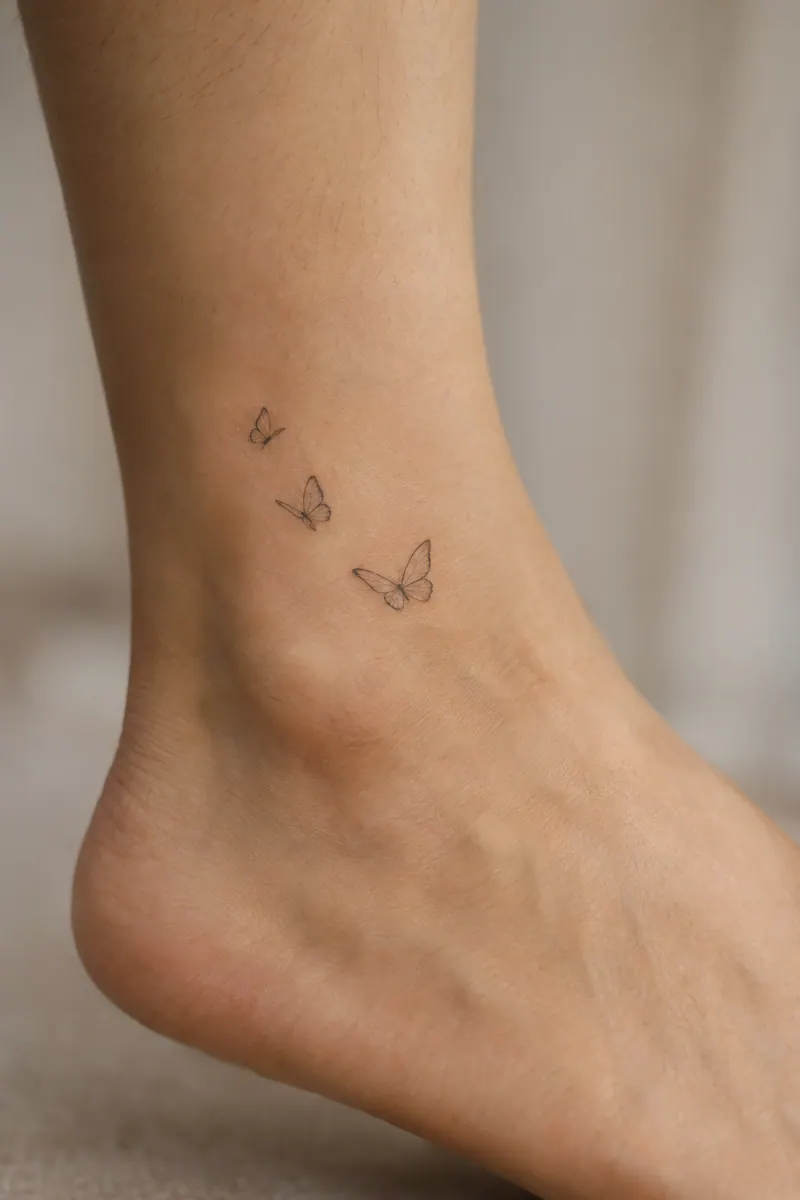
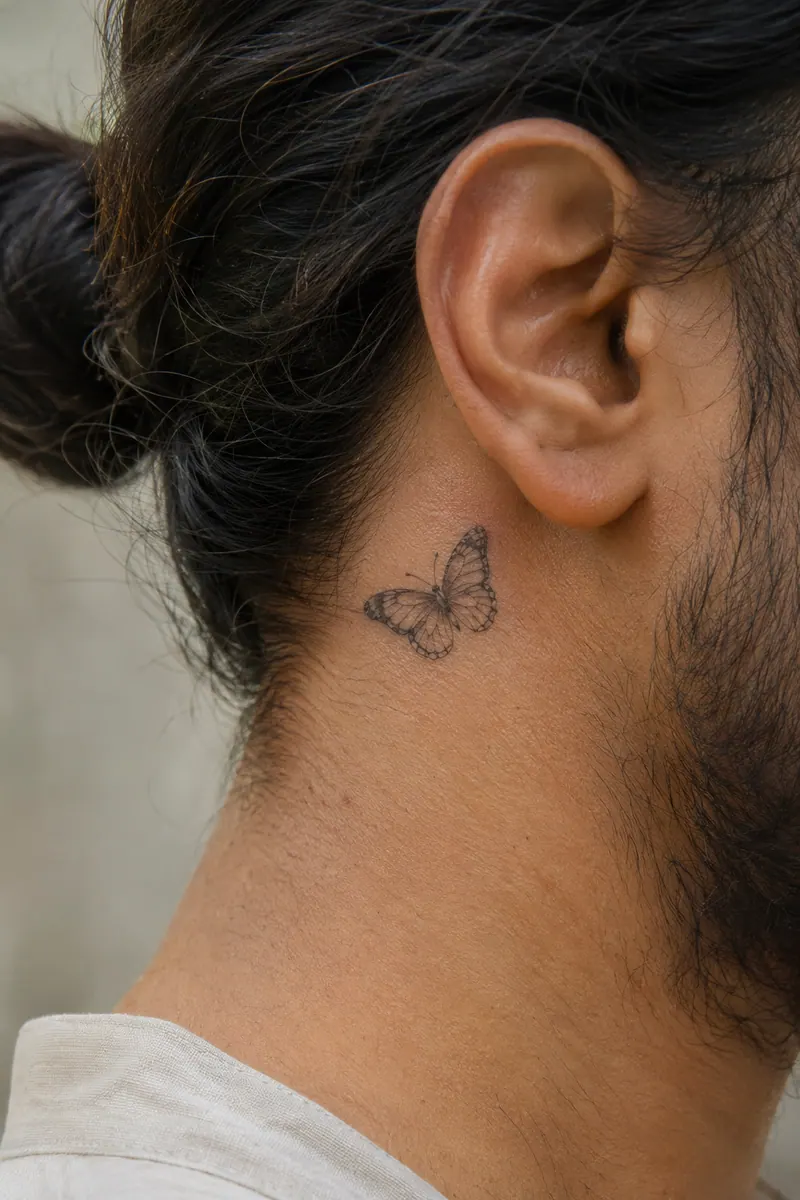
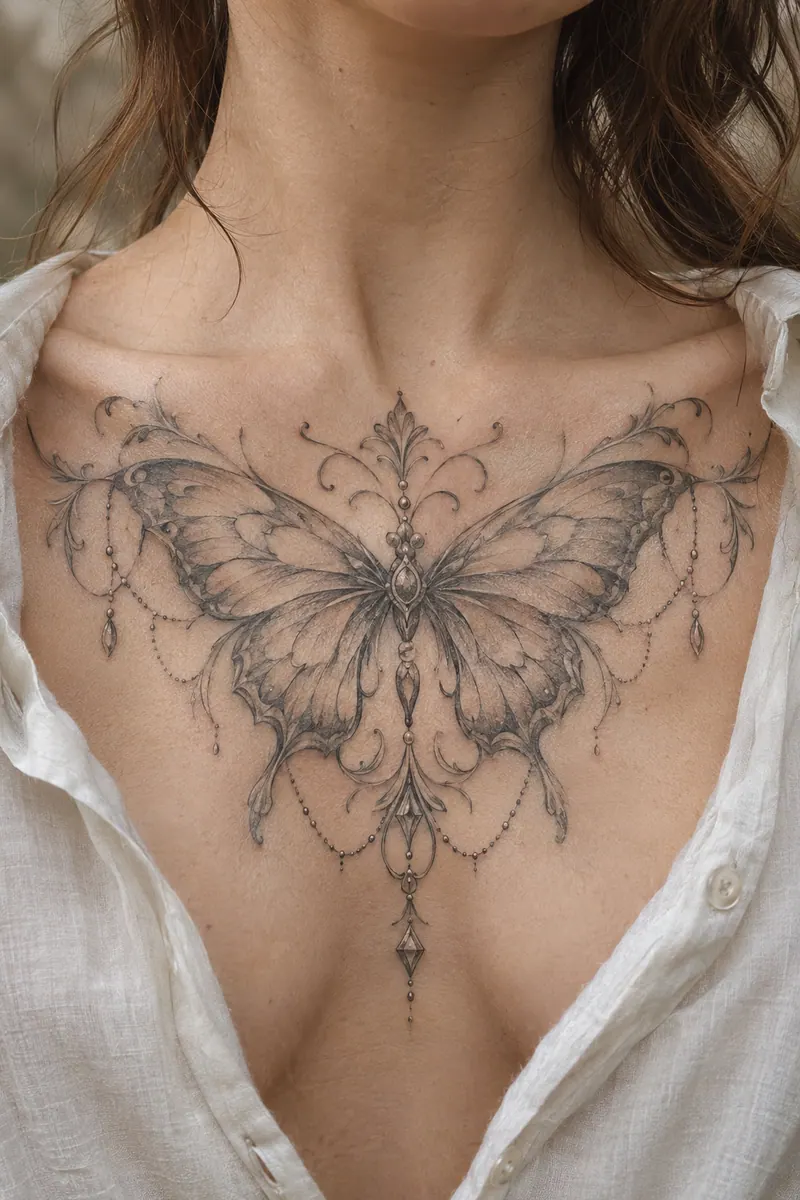
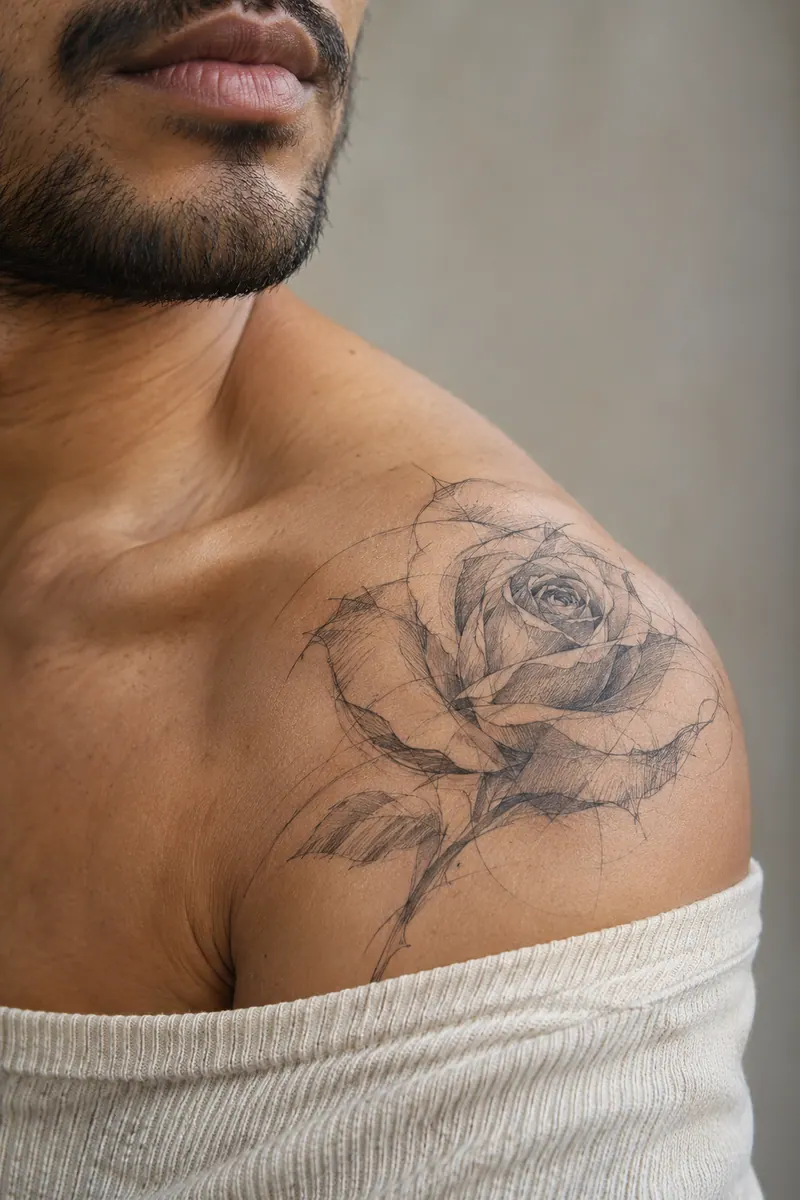
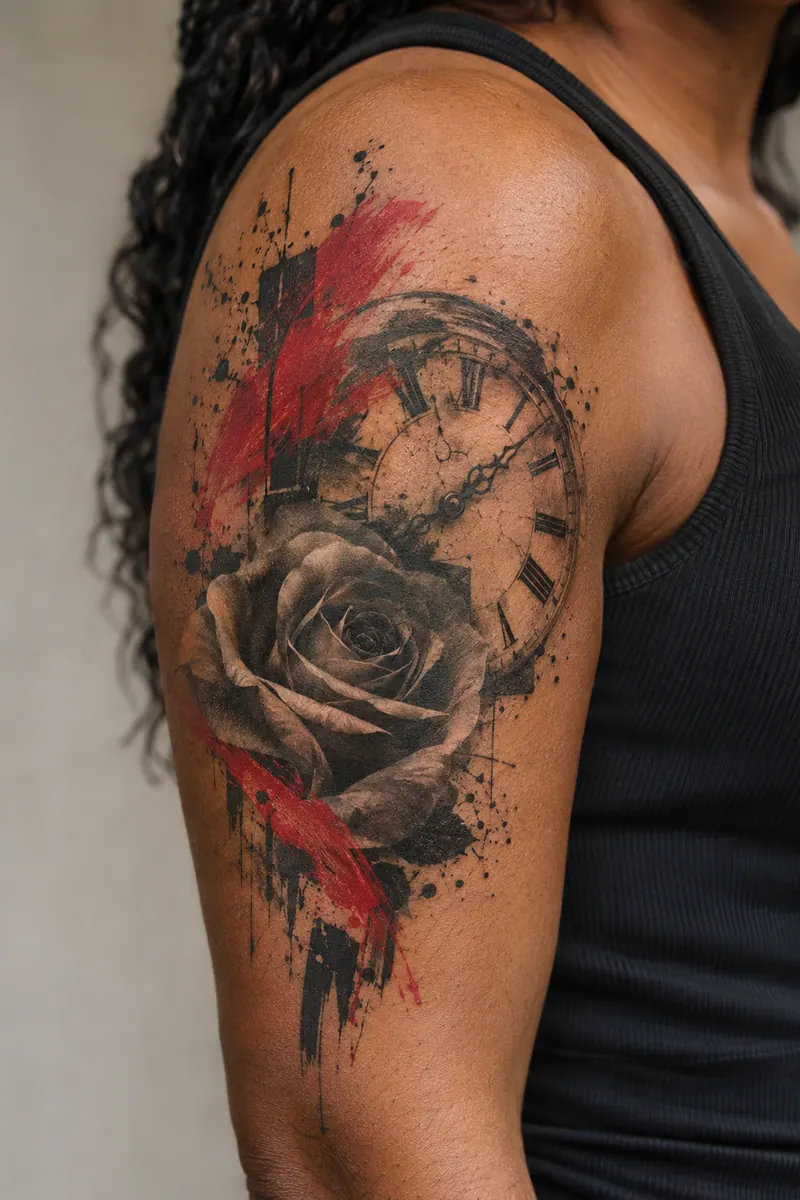
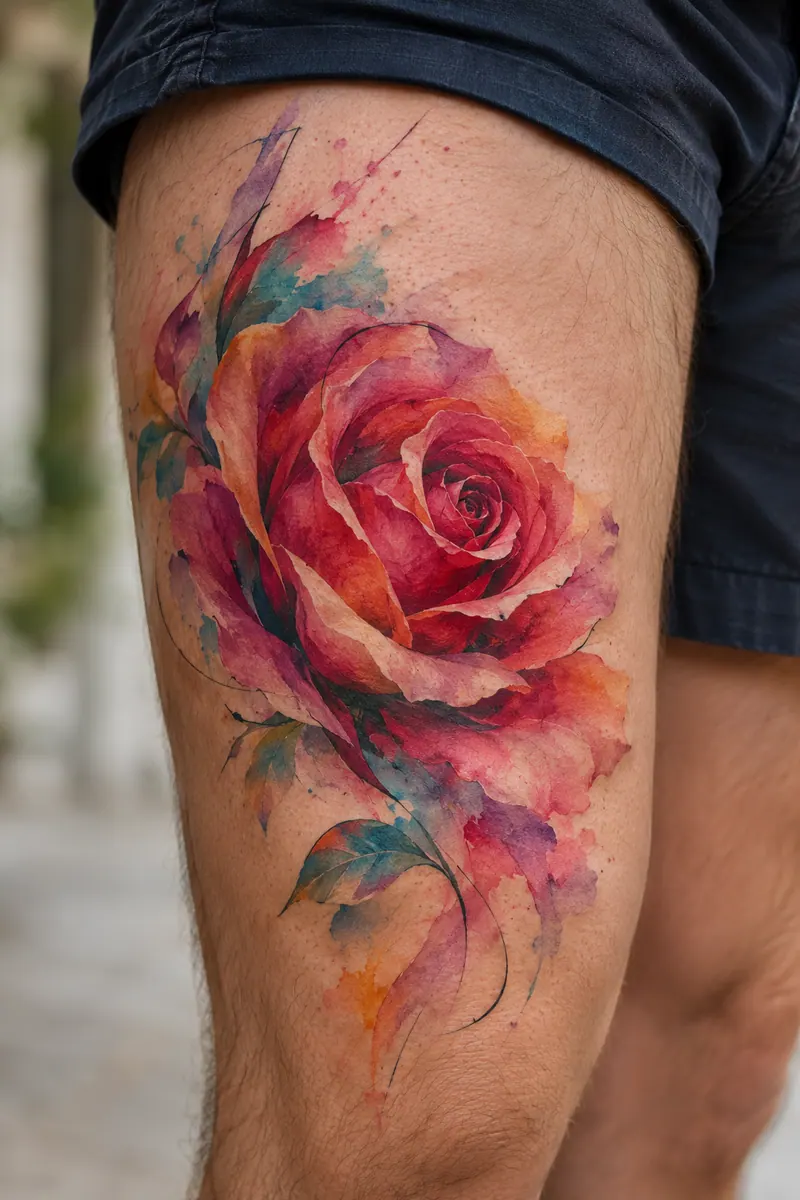
AI-generated tattoo concepts — create your own version in InkForge
FAQ
How does virtual tattoo try-on work?
Take or upload a photo of the area you want to tattoo, then place your design on it. Move, resize and rotate it, and adjust opacity and blending so your skin texture shows through the ink — it reads like a tattoo, not a sticker.
Can I try on a tattoo I already have as an image?
Yes. Use a design you generated in InkForge or pick any design image from your photos, then place it on a photo of your body.
Will the tattoo look exactly like the preview?
The preview is a planning tool. Your artist will adapt the design to your skin and anatomy, but the try-on is a reliable way to decide on size, placement and orientation before the appointment.
Which body parts can I try tattoos on?
Any area you can photograph: wrist, forearm, upper arm, full sleeve, shoulder, chest, back, neck, thigh, calf and ankle.