 InkForge
AI tattoo generator · iPhone & Android
See your tattoo before the needle does
Write your idea the way you'd tell an artist, or start from a photo. InkForge draws original designs in 22 tattoo styles, and you can place them on a photo of your own arm, back or leg.

to get InkForge
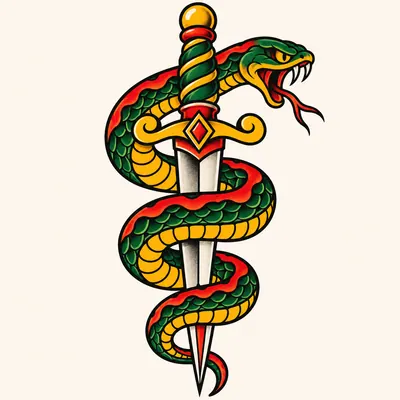
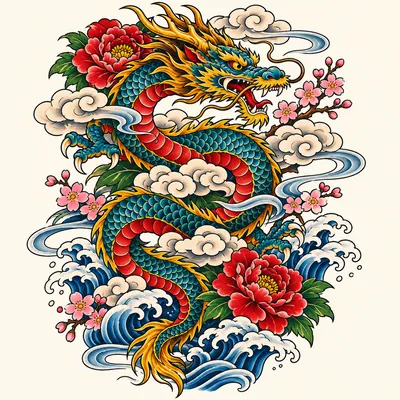
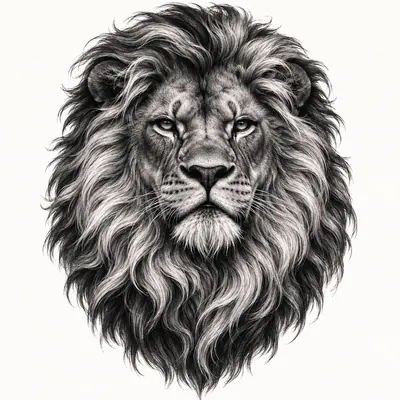
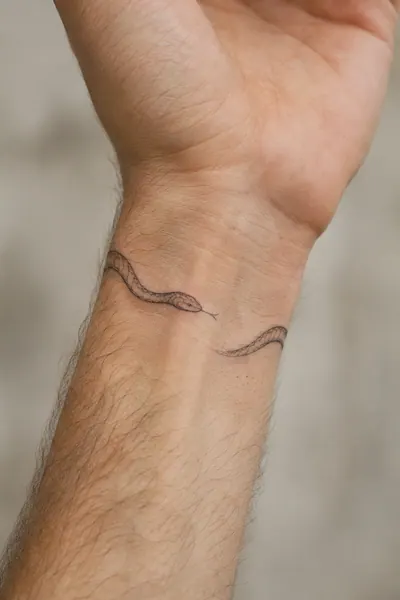
styles
From an idea to a design you can show your artist
- 01
Say it your way
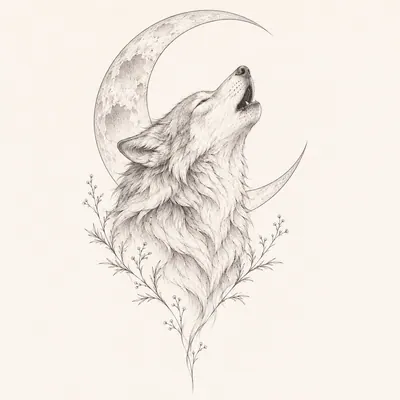
“Wolf howling at the moon, small, on my inner forearm.” Or upload a photo of your dog, a place, a handwritten note.
- 02
Pick the look
Fine line, Japanese, blackwork, traditional and 18 more styles. Black and grey or color, sized for one of 11 placements.
- 03
Fix the details
Generate several versions, then brush over one area and redraw just that part instead of starting over.
- 04
Try it on
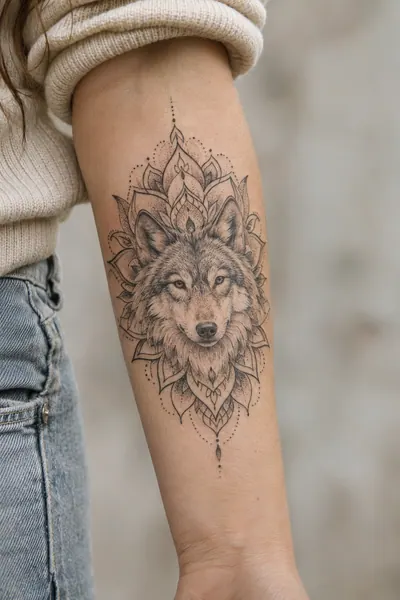
Place the design on a photo of your body, scale and rotate it, then export a clean reference for your appointment.
Fresh flash to start from
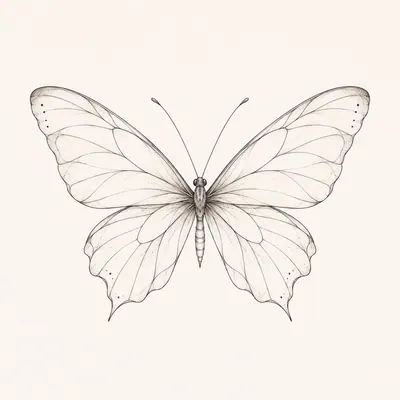
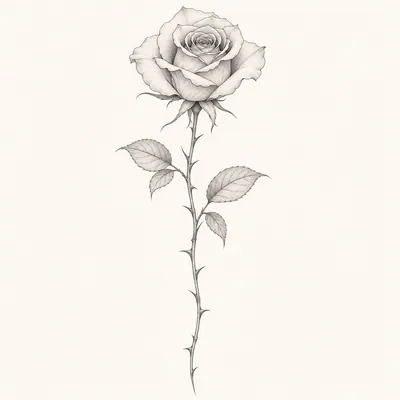
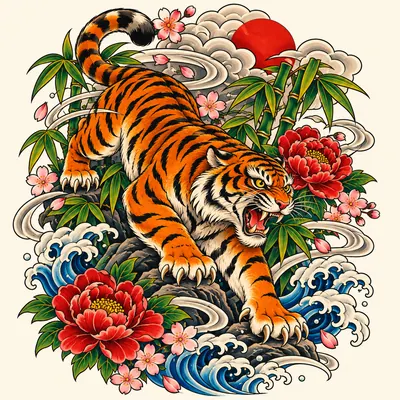
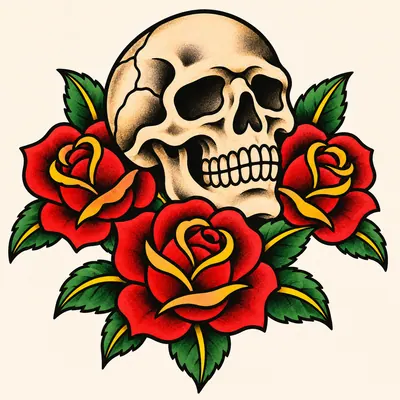
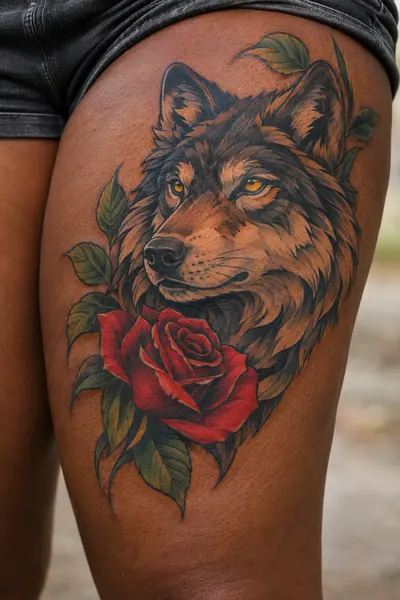
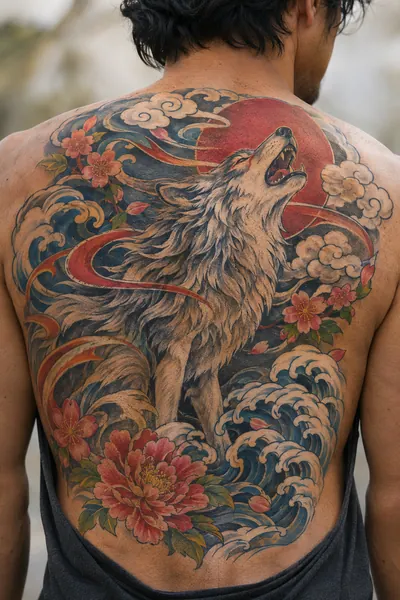
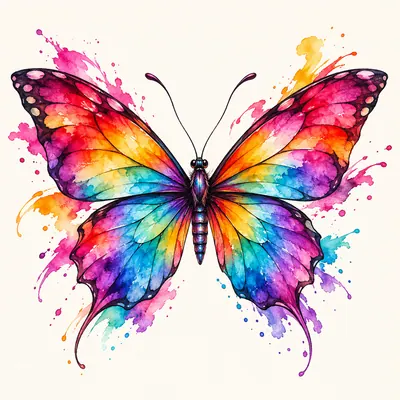
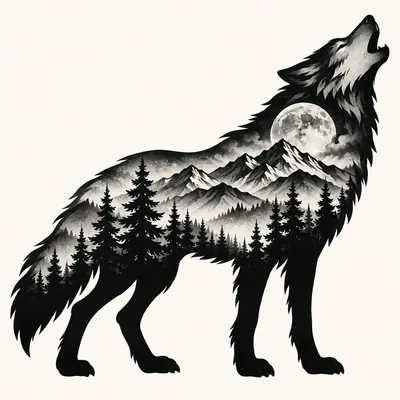
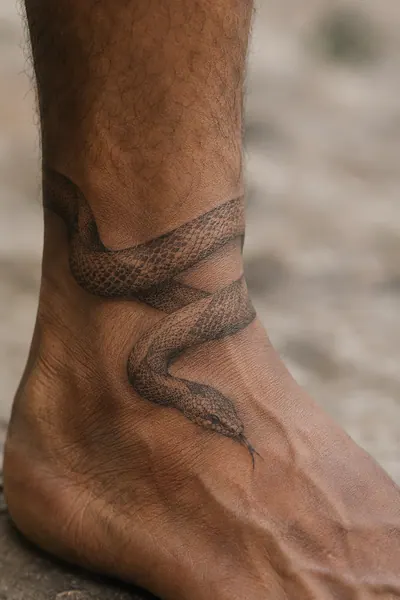
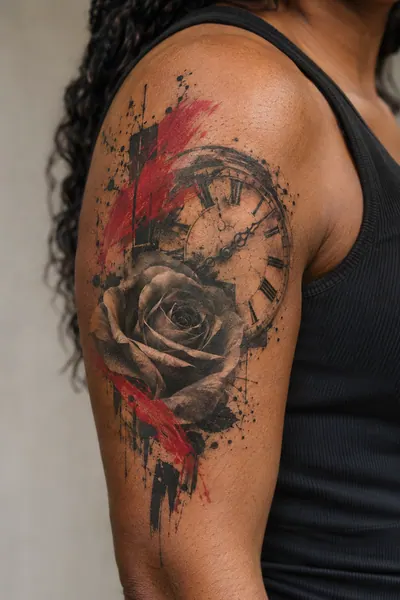
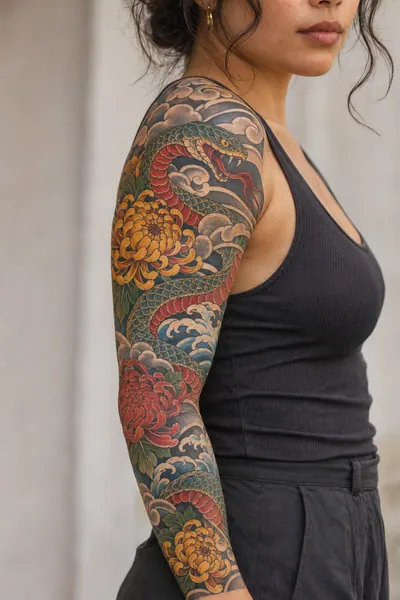
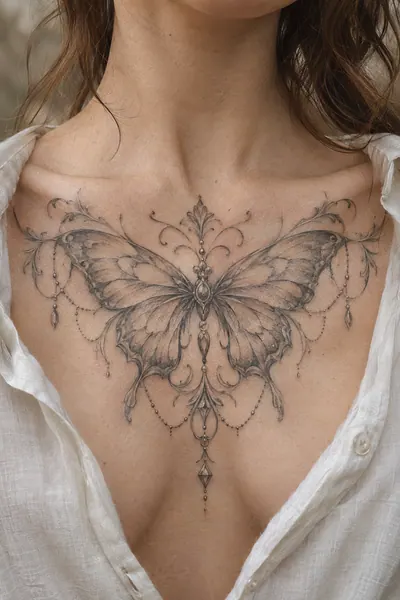
Concepts across styles and placements. Open a gallery to see more, and to read what each symbol means.
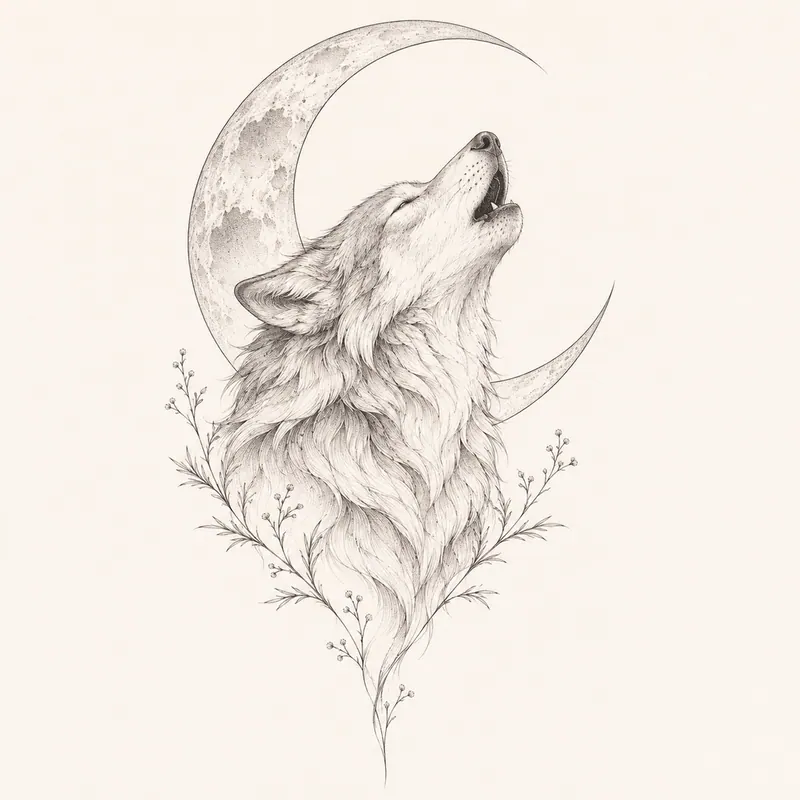
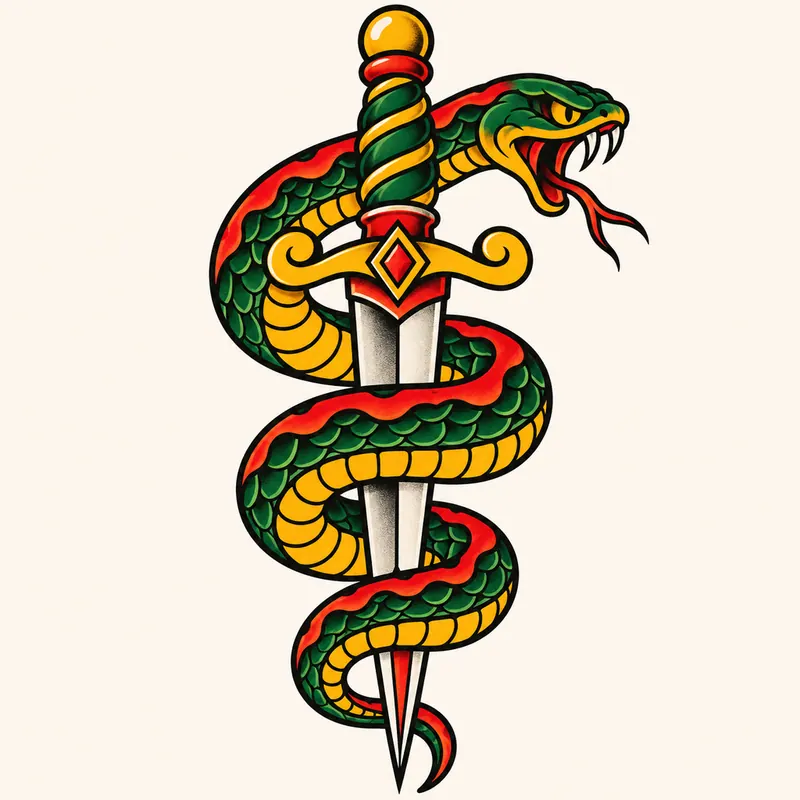
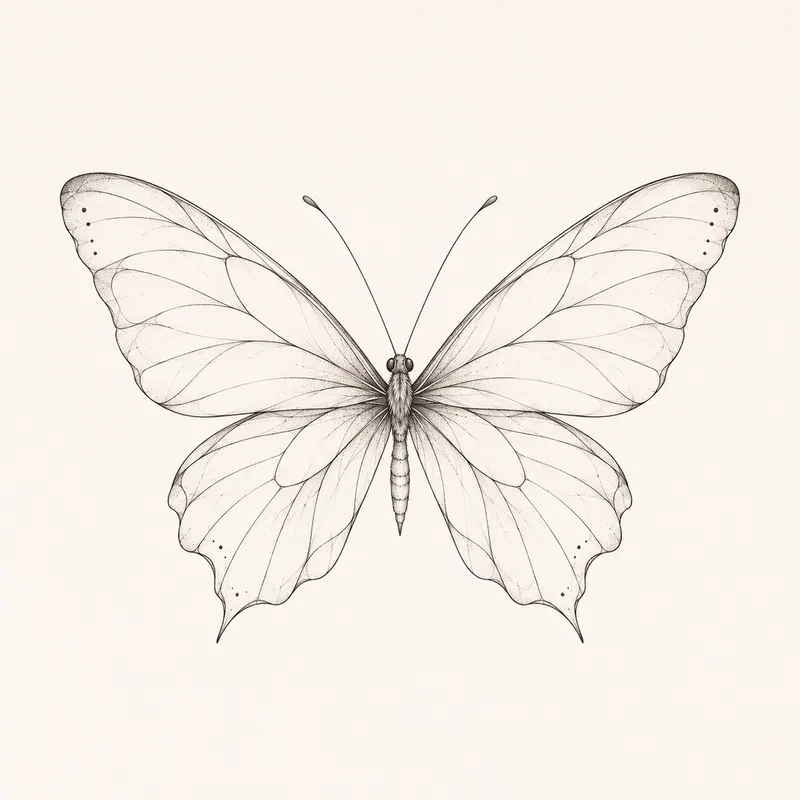
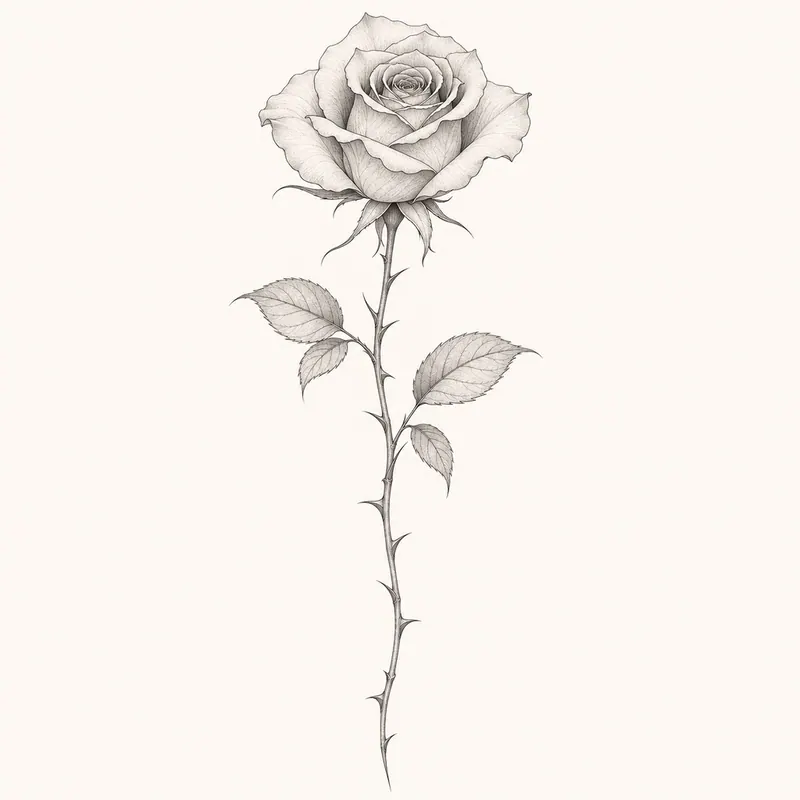
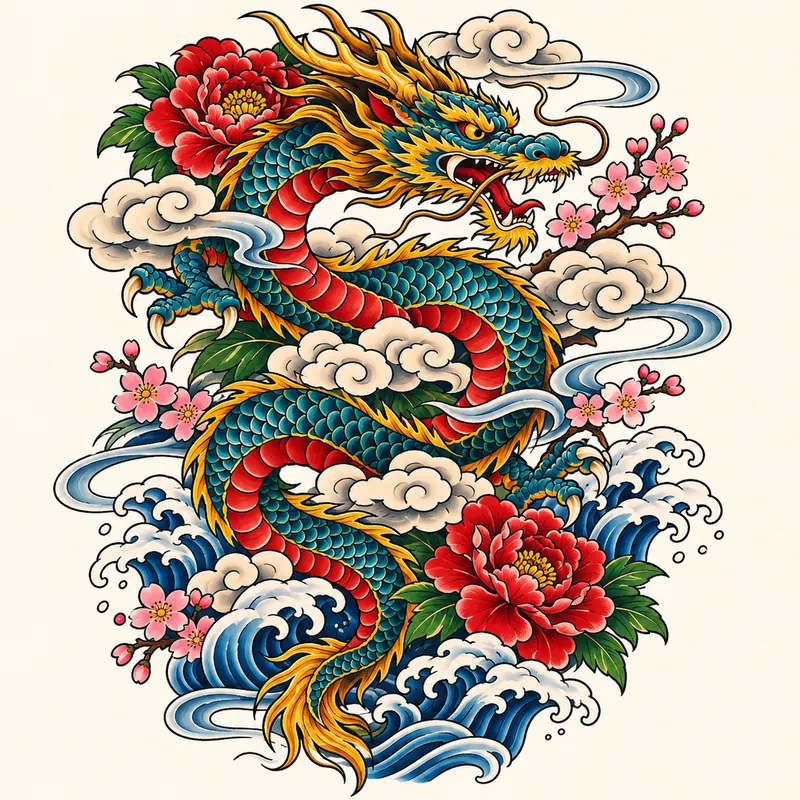
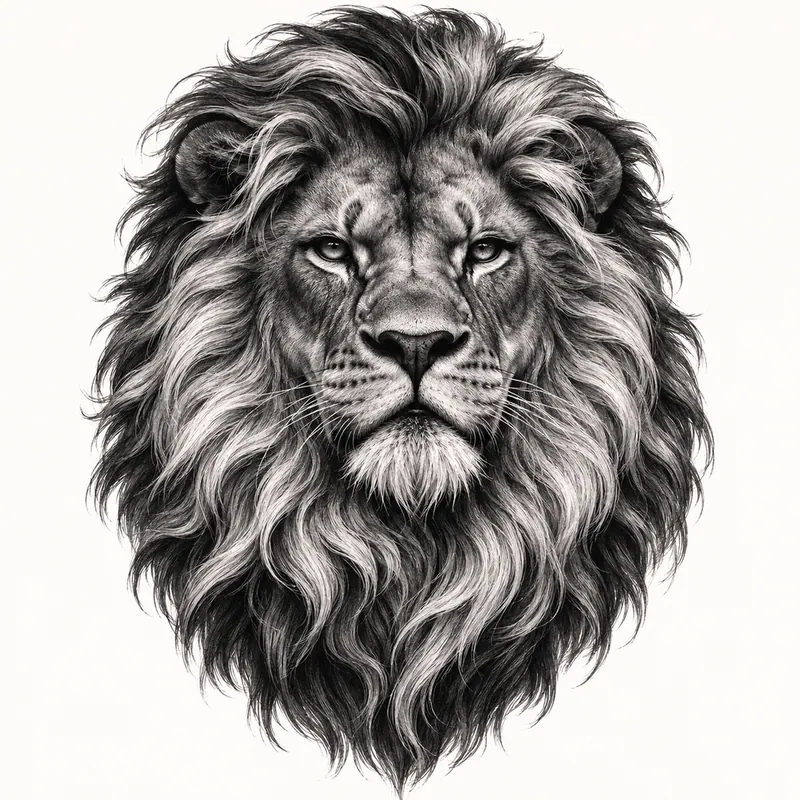
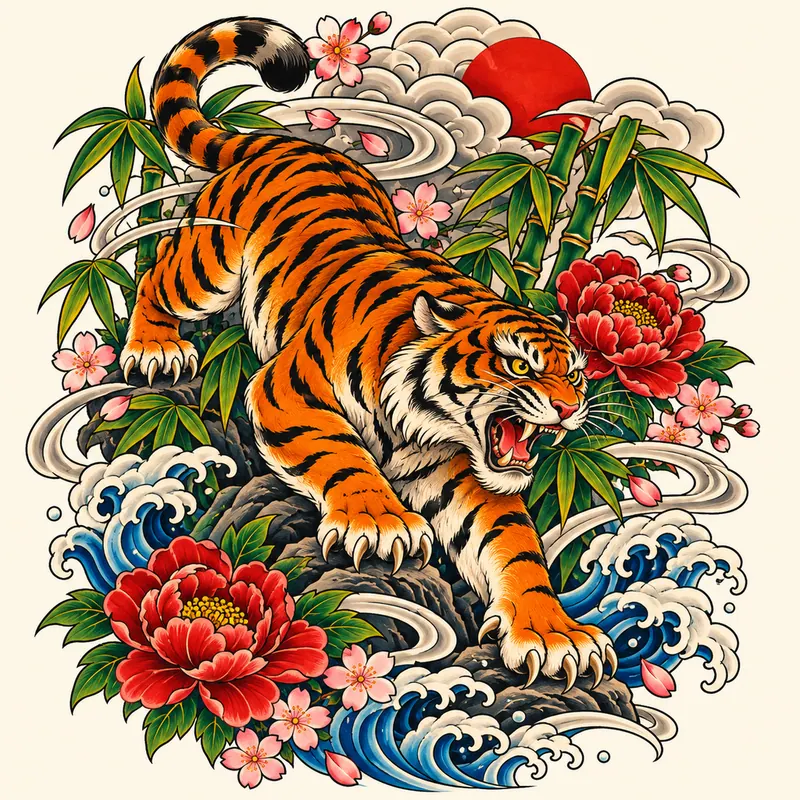
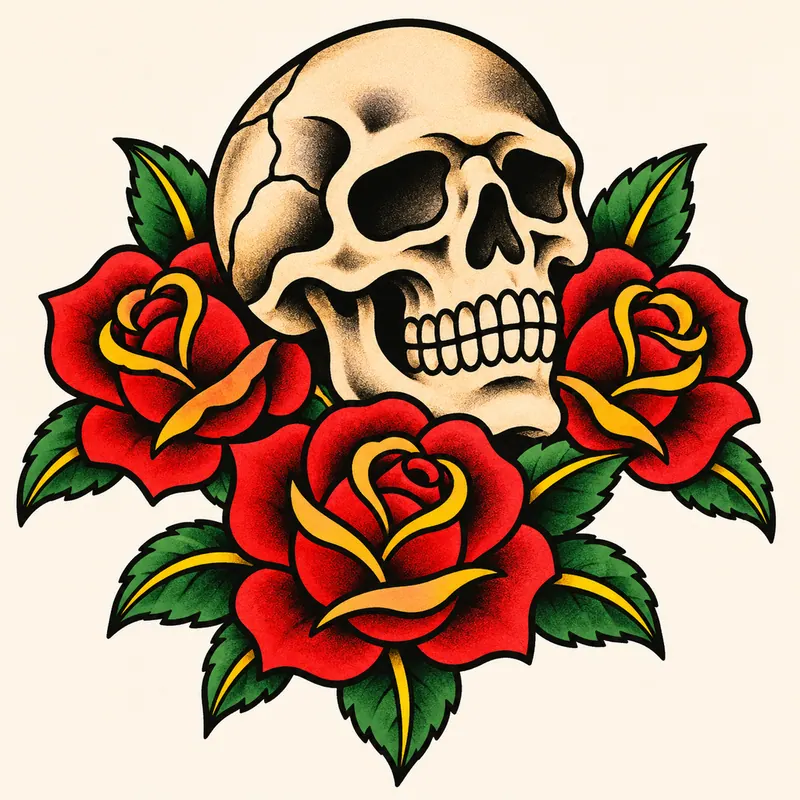
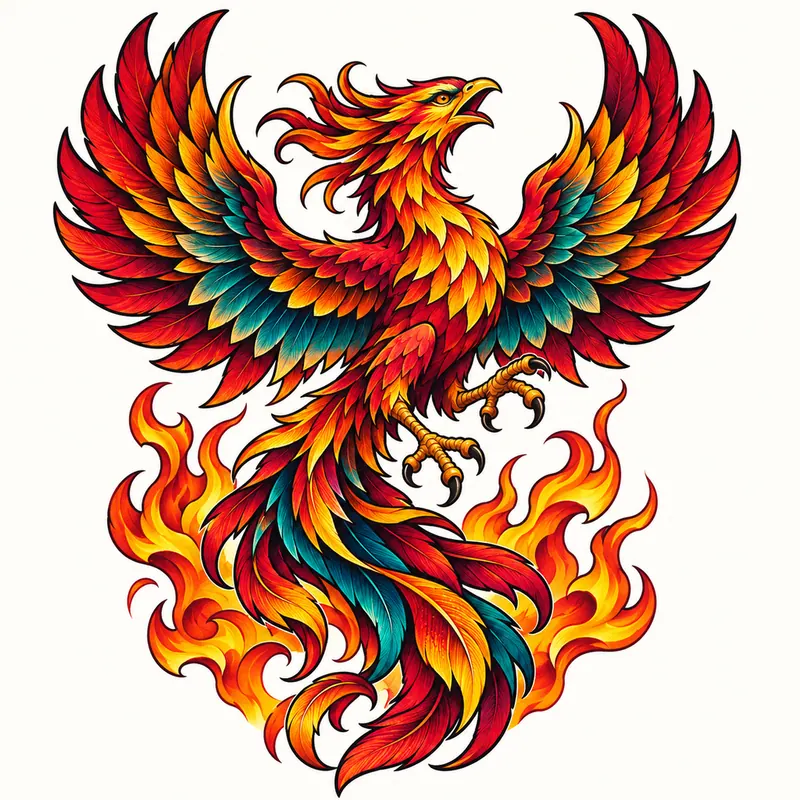
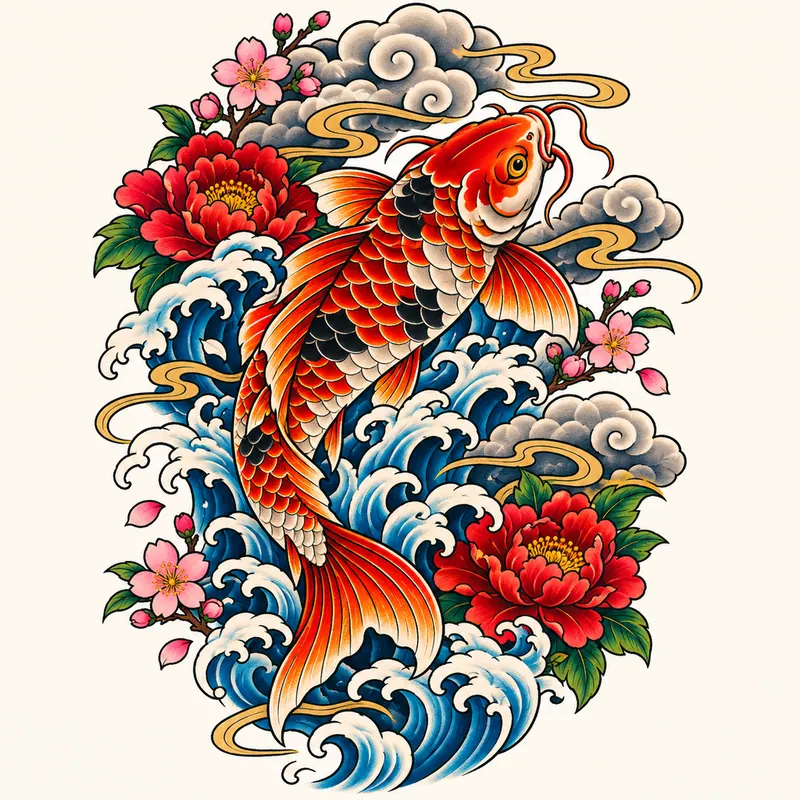
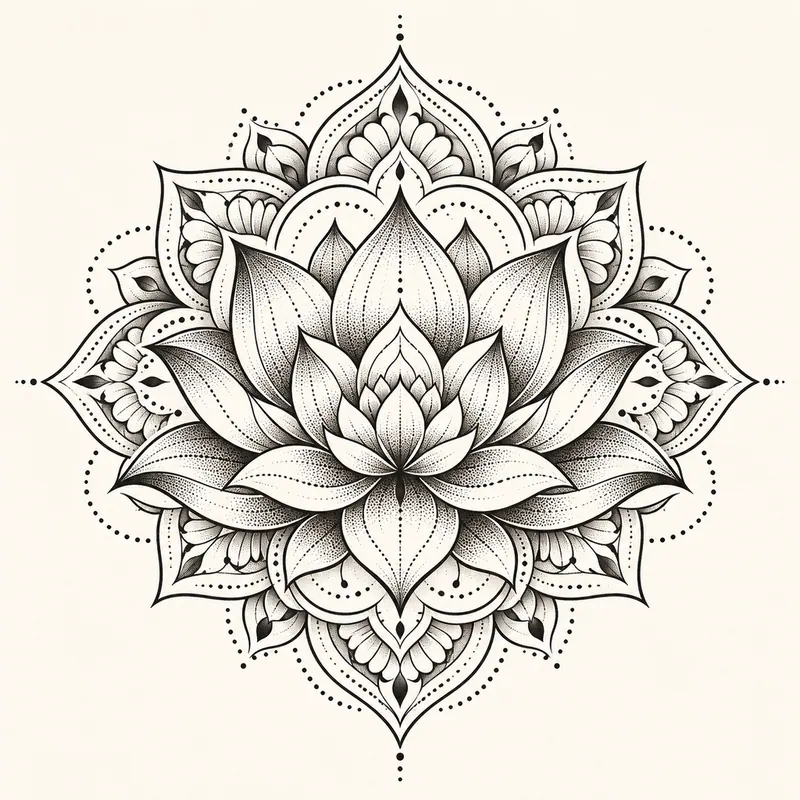
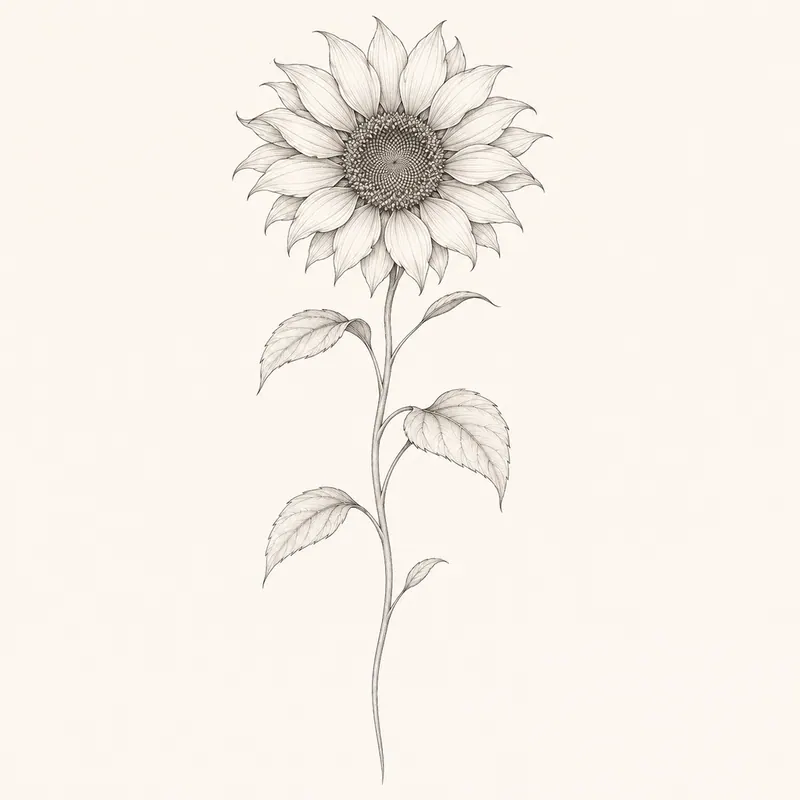
AI-generated tattoo concepts — create your own version in InkForge
What's in the app
Text to tattoo
Turn one sentence into several original designs. Stuck? Magic Idea suggests a starting point.
Photo to tattoo
Pets, portraits, places and objects redrawn as tattoo artwork in the style you choose.
Tattoo try-on
Put the design on a photo of your skin and judge size, position and flow before you commit.
22 styles
From fine line and minimalist to irezumi, chicano, trash polka and cyber sigilism.
Brush edits
Paint over any part of a design and regenerate only that area.
Artist-ready exports
Save favorites, compare versions and share a clean reference with your tattoo artist.
Tattoo ideas by subject
Tattoo styles
Ideas by placement
FAQ
What is InkForge?
InkForge is an AI tattoo generator app for iPhone, iPad and Android. Describe an idea or upload a photo, pick one of 22 tattoo styles and a placement, and it creates original tattoo designs you can preview on your body and share with your artist.
Is InkForge free?
InkForge is free to download. Generating designs requires an InkForge Pro subscription, which unlocks unlimited generations and watermark-free exports. You can cancel any time in your App Store or Google Play settings.
Can I try a tattoo on my body before getting it?
Yes. With Try-On you upload a photo of your arm, back or any other placement, place the design on it and adjust size, rotation and opacity so you can judge position and flow.
Can I turn a photo into a tattoo?
Yes. Photo to Tattoo turns a picture of your pet, a person or an object into tattoo-style artwork in the style you choose.
Can I show the designs to my tattoo artist?
That is exactly what they are for. Save your favorites and export them as a clean reference your artist can adapt into a stencil.
Which languages does the app support?
English, Spanish, Portuguese, German, French, Italian, Japanese and Russian.